




02. Configuration
Follow the steps below to configure the module and connect your Odoo database to TalkSasa.
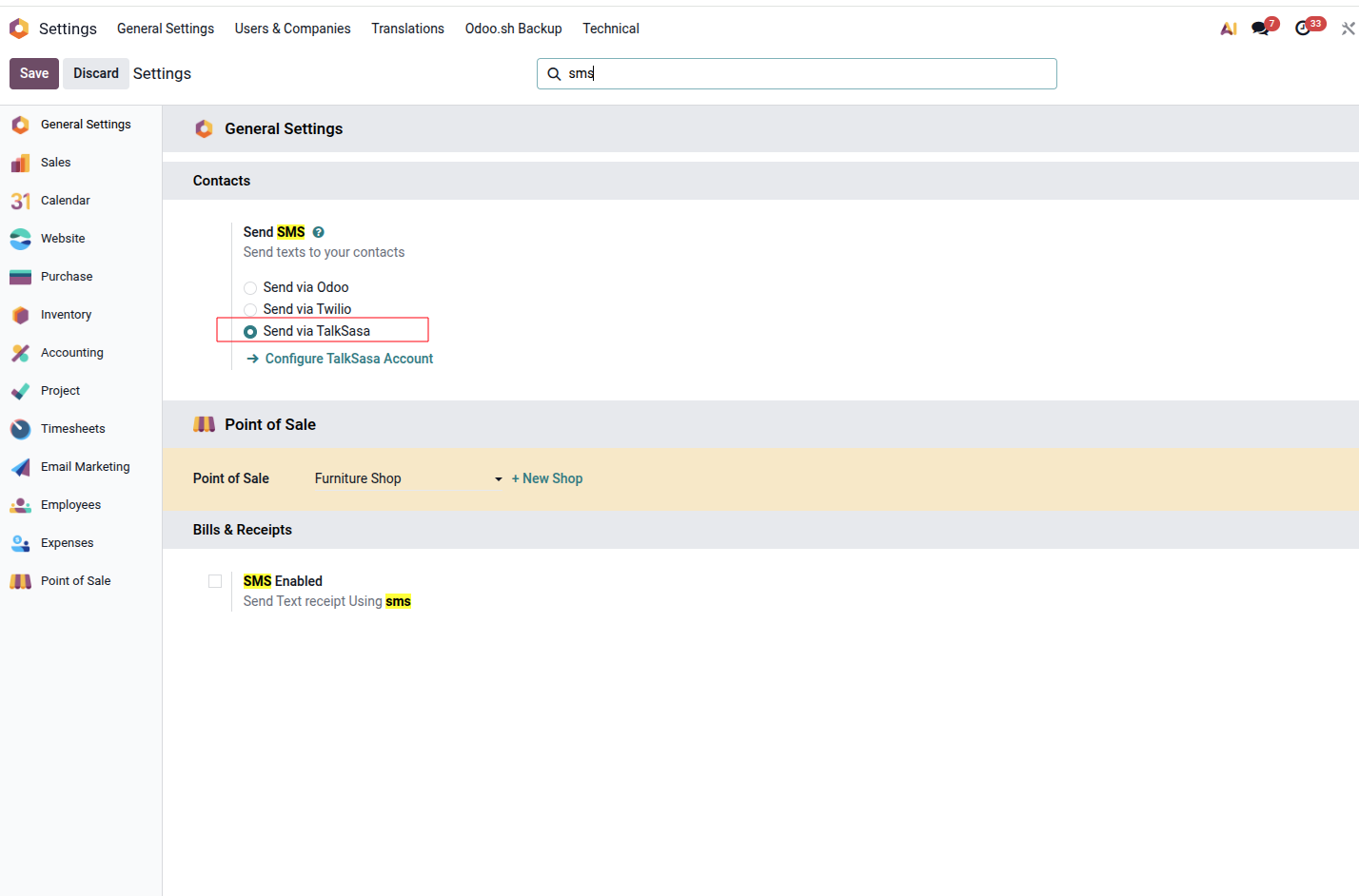
Select the SMS Provider
Open the SMS configuration settings and select Send via TalkSasa as the SMS provider.
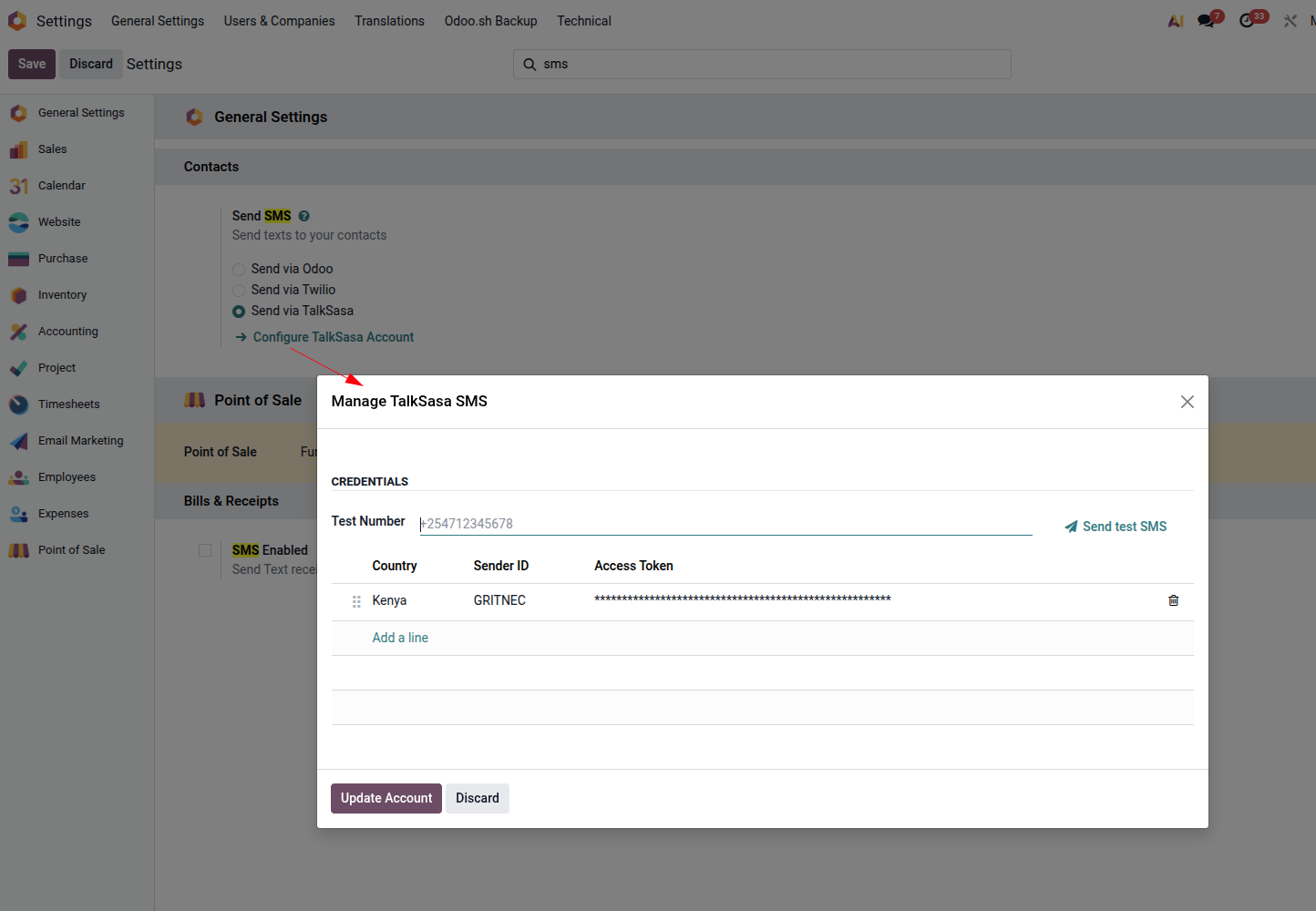
Configure TalkSasa
Click Configure TalkSasa Account and enter your TalkSasa credentials. Use Send Test SMS to verify that the configuration is working correctly.
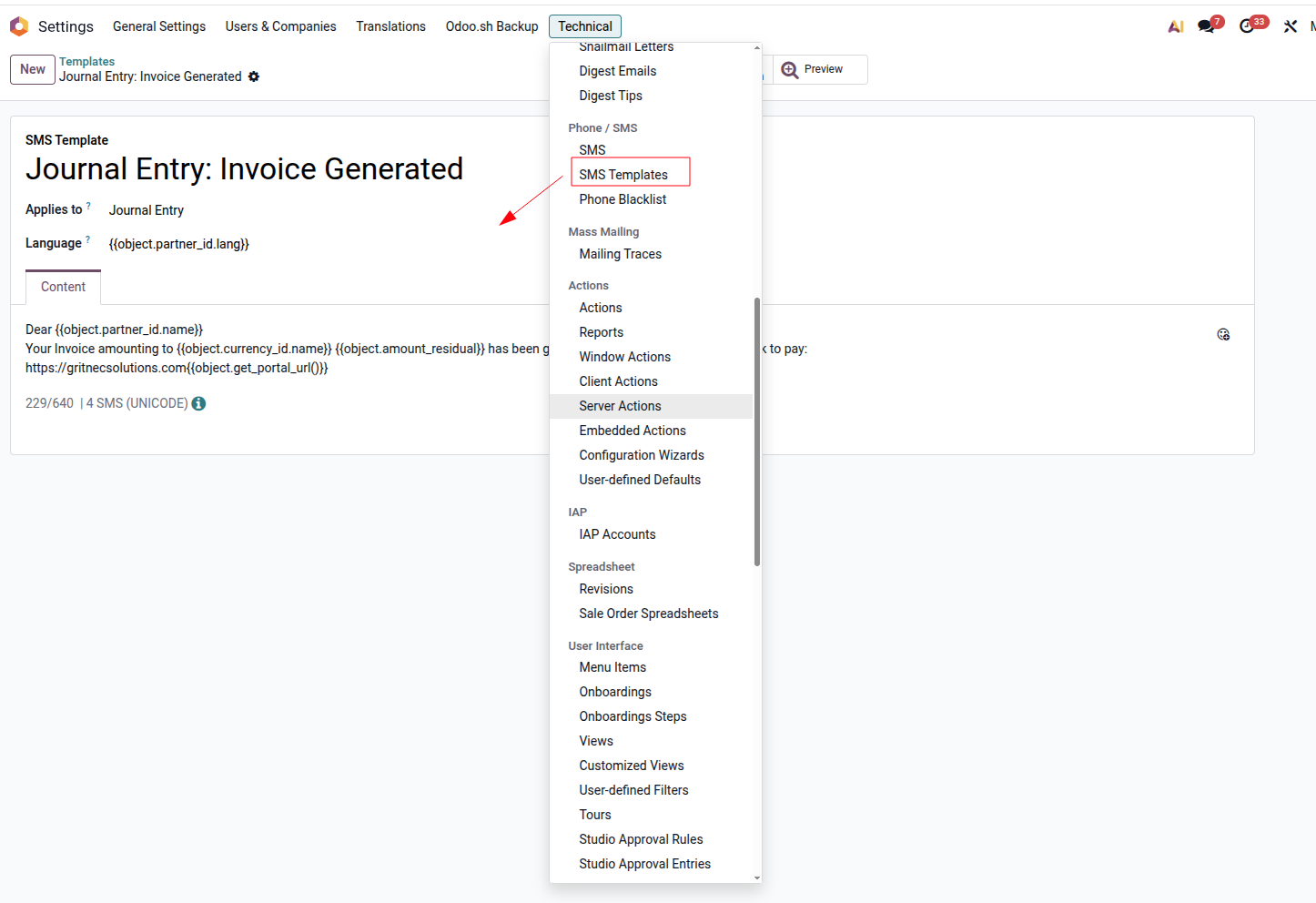
Create SMS Templates
Create reusable SMS templates for the models you want to integrate. Templates can contain dynamic variables using double curly braces, for example {{object.name}} .
03. How it Works
Once configured, SMS messages can be sent from multiple areas of Odoo while using TalkSasa as the underlying gateway.
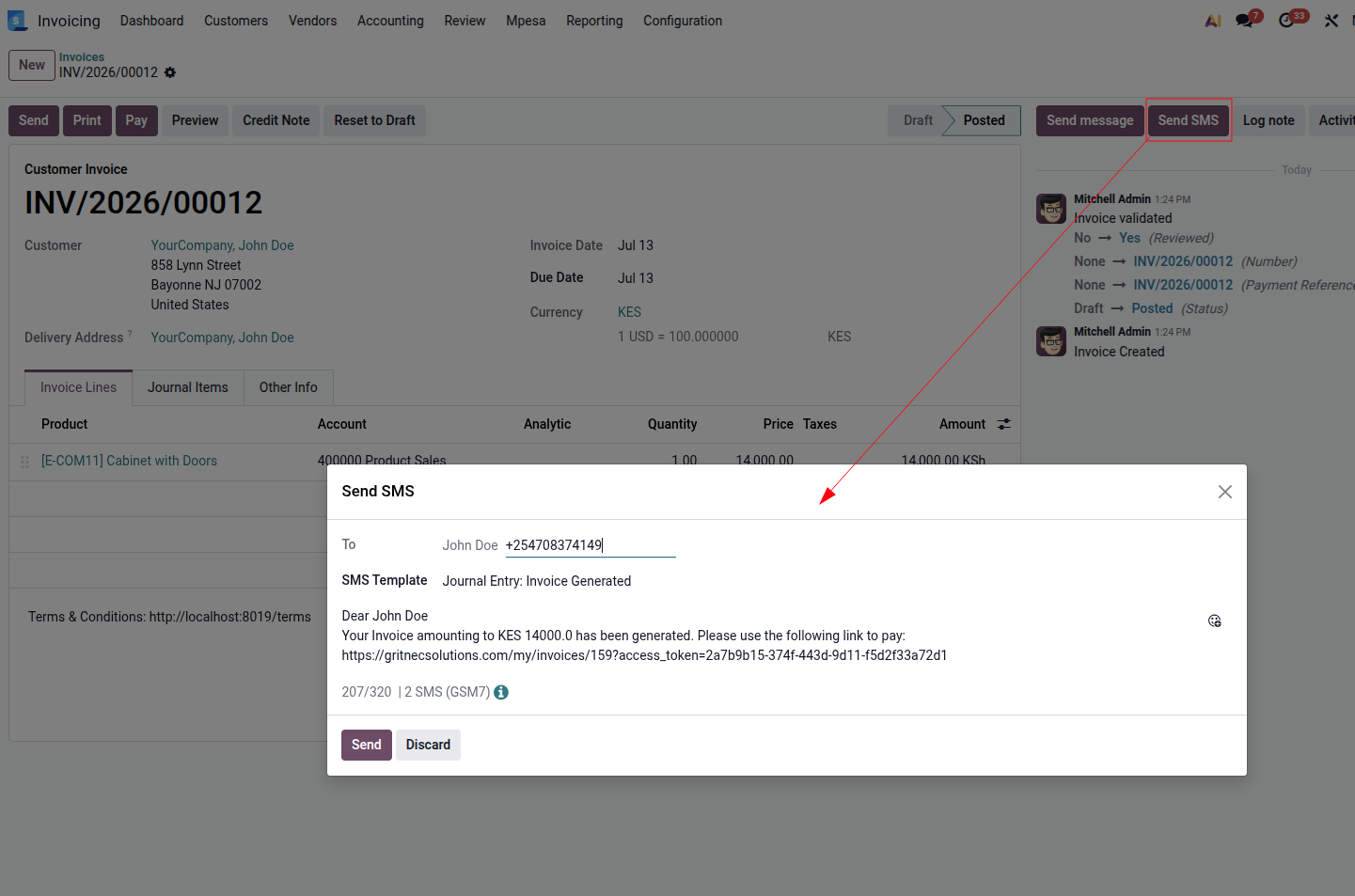
Send SMS from Anywhere
You can send SMS from multiple locations throughout Odoo, including:
- The Send SMS button in the chatter
- The SMS icon in the phone widget
- The SMS Marketing application
Regardless of where the message originates, the integration routes the SMS through TalkSasa.
Developers can extend the integration using the following methods:
Available on models containing a partner_id field. Takes an SMS template record as its argument.
Available on res.partner . Takes the message to send as a string.